Conecta ChatGPT with Composio for Smarter Apps
· based on the channel DataEdu
Key takeaways
- Composio connects AI assistants like ChatGPT and Claude with popular apps.
- Supports native and external connectors for seamless integration.
- Google Drive integration allows file access with proper permissions.
- Enables automation and enhanced productivity using AI assistants.
- Compatible with Manus IA and other AI tools through available connectors.
Composio is a powerful platform that enables users to connect AI assistants such as ChatGPT and Claude to the applications they already use, enhancing productivity and automating workflows. This integration simplifies working with AI by offering both native and external connectors, allowing seamless communication between AI models and apps like Google Drive.
What is Composio and How It Works
Composio acts as a bridge between AI assistants and various applications by using connectors. A connector is a module that facilitates communication and data exchange between AI services and external apps. There are two main types of connectors:
- Native connectors: Built-in integrations within Composio that support popular apps directly.
- External connectors: Connectors developed outside Composio but compatible through APIs.
This architecture allows users to link AI assistants to apps they commonly use, extending AI capabilities beyond chat interfaces.
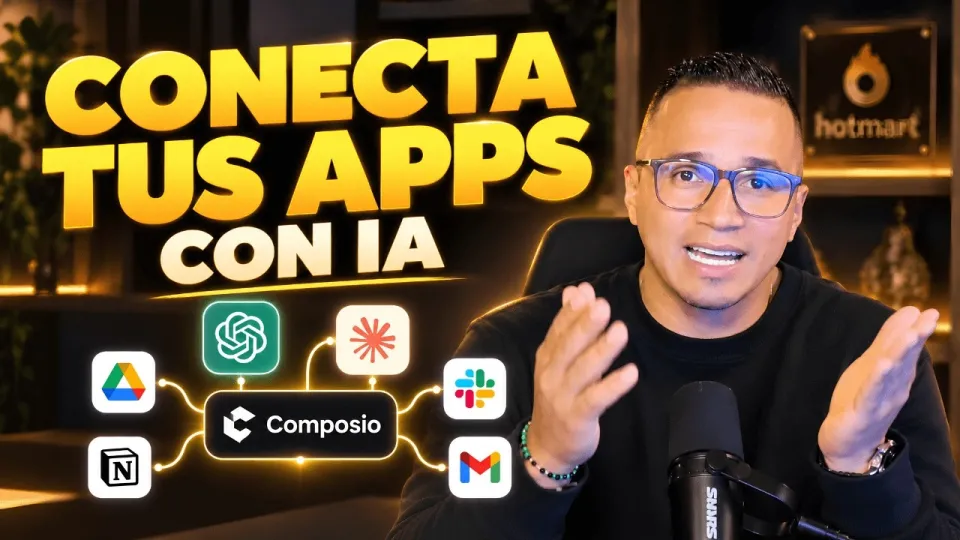
Video: Conecta ChatGPT, Claude y tus apps: así haces más con Composio
Connecting ChatGPT and Claude to Google Drive
One practical example is connecting ChatGPT or Claude to Google Drive via Composio. This involves:
- Authorizing your Google account within Composio to grant access.
- Reviewing and approving the specific permissions required, such as reading or writing files.
- Using available actions like uploading, downloading, or searching documents through AI commands.
This integration enables AI assistants to directly interact with your documents, making tasks like summarization, content generation, or data extraction more streamlined.
Using Composio for AI-Powered Automation
By linking ChatGPT, Claude, and other AI tools with your apps, Composio helps automate repetitive tasks. Examples include:
- Automatically generating reports from spreadsheet data.
- Summarizing emails or documents stored in cloud drives.
- Managing workflows by triggering actions based on AI analysis.
This automation reduces manual effort and improves productivity, especially for professionals working with large data sets or frequent content updates.
Security and Permissions Considerations
When connecting AI assistants to applications like Power BI or Google Drive, security is crucial. Composio requires explicit permission grants for each integration to protect sensitive data. Users should:
- Carefully review requested permissions before authorizing connections.
- Use trusted accounts and avoid sharing credentials.
- Monitor activity logs to detect unauthorized access.
This approach ensures data confidentiality while leveraging AI benefits.
Extending Composio Integrations Beyond ChatGPT and Claude
Composio also supports other AI tools like Manus IA, expanding its versatility. Depending on available connectors, users can integrate various AI assistants with multiple applications, customizing workflows based on their needs.
This flexibility makes Composio a central hub for managing AI-assisted productivity across diverse platforms.
Useful Links
- Storytelling book to transform dashboards into clear stories
- Excel DataEdu for faster data analysis automation
- Advanced DAX learning resources
Итог
Composio is an effective tool for connecting AI assistants like ChatGPT and Claude to everyday applications, enabling smarter workflows and automation. Its support for native and external connectors, combined with secure authorization processes, allows seamless integration with apps such as Google Drive. This enhances productivity by allowing AI to interact directly with user data and trigger automated actions. For those interested in improving data storytelling and analysis alongside AI integration, DataEdu's Storytelling book is a valuable resource. The DataEdu channel provides thorough guidance on leveraging AI and data tools for professional growth.
Source: Conecta ChatGPT, Claude y tus apps: así haces más con Composio · Markdown version
Questions & answers
Is it safe to connect Composio to apps containing sensitive data?
Composio requires explicit permission grants for each app connection, allowing users to control access. Reviewing these permissions carefully ensures sensitive data remains protected during integration.
What types of connectors does Composio use to link AI assistants with apps?
Composio uses native connectors built into the platform and external connectors developed outside but compatible through APIs, enabling flexible integration options.
Can I connect AI assistants other than ChatGPT to Composio?
Yes, Composio supports other AI tools such as Claude and Manus IA, depending on available connectors, allowing a wide range of AI integrations.
What actions can ChatGPT perform with Google Drive when connected via Composio?
Once authorized, ChatGPT can read, write, upload, download, and search files in Google Drive, enabling tasks like document summarization, content generation, and data extraction.